Region Messages
January 18, 2008 · 56 views · 2 comments
Nearby In Time
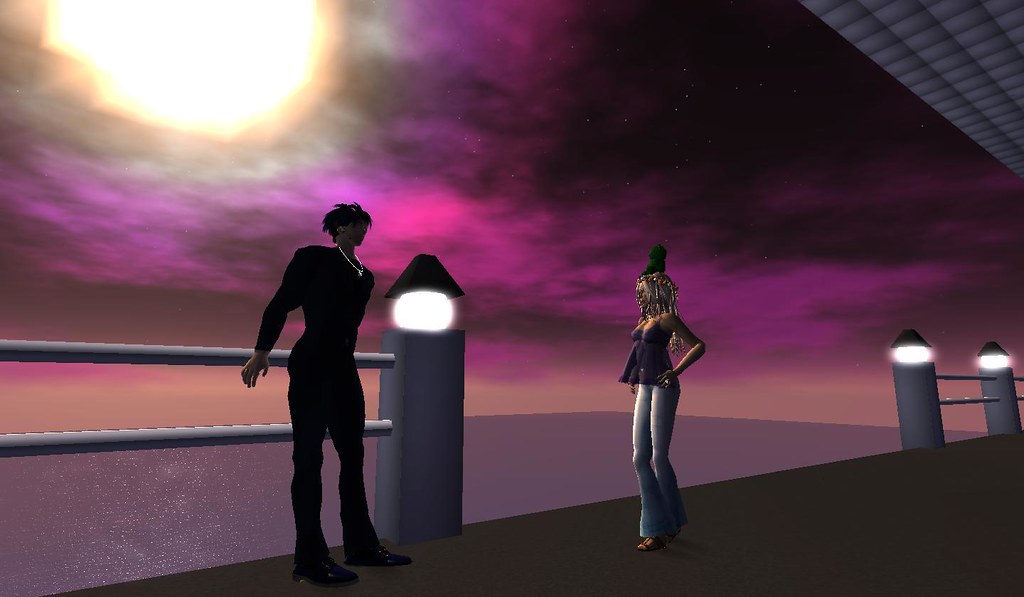 ELLiebob Bean drops by
January 17, 2008
ELLiebob Bean drops by
January 17, 2008
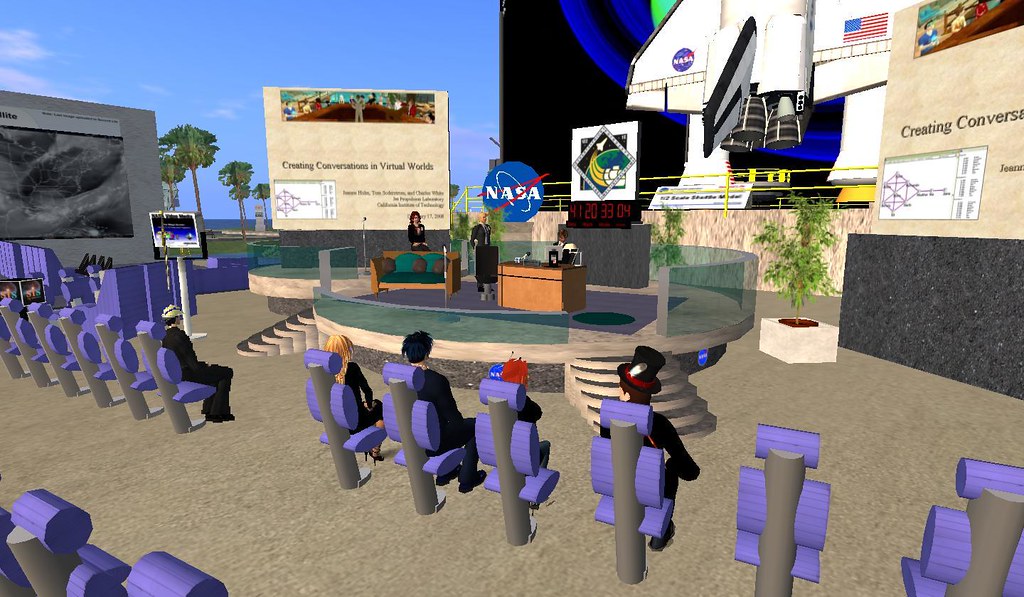 NASA - Creating informational and virtual space for knowledge sharing
January 17, 2008
NASA - Creating informational and virtual space for knowledge sharing
January 17, 2008
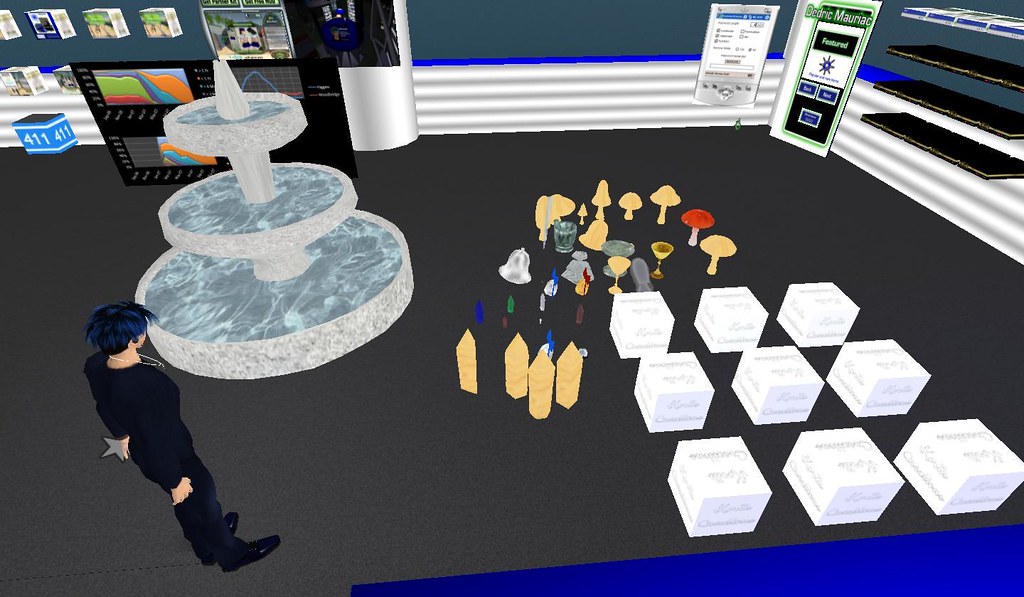 Koriis Creations
January 18, 2008
Koriis Creations
January 18, 2008
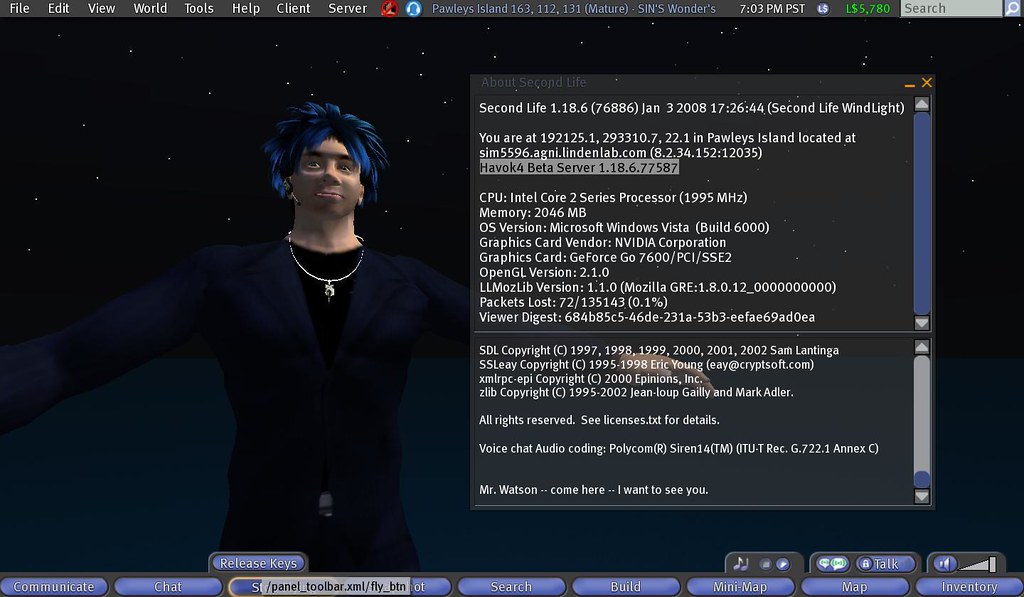 Havok 4 Reaches the Main Grid
January 18, 2008
Havok 4 Reaches the Main Grid
January 18, 2008
 Region Messages
January 18, 2008
Region Messages
January 18, 2008
 Packaging products for Korii
January 19, 2008
Packaging products for Korii
January 19, 2008
 OnRez offers eight panel vendors in limited beta
January 19, 2008
OnRez offers eight panel vendors in limited beta
January 19, 2008
 Havok 4 ... not!
January 19, 2008
Havok 4 ... not!
January 19, 2008
 Electronic repair
January 19, 2008
Electronic repair
January 19, 2008
About
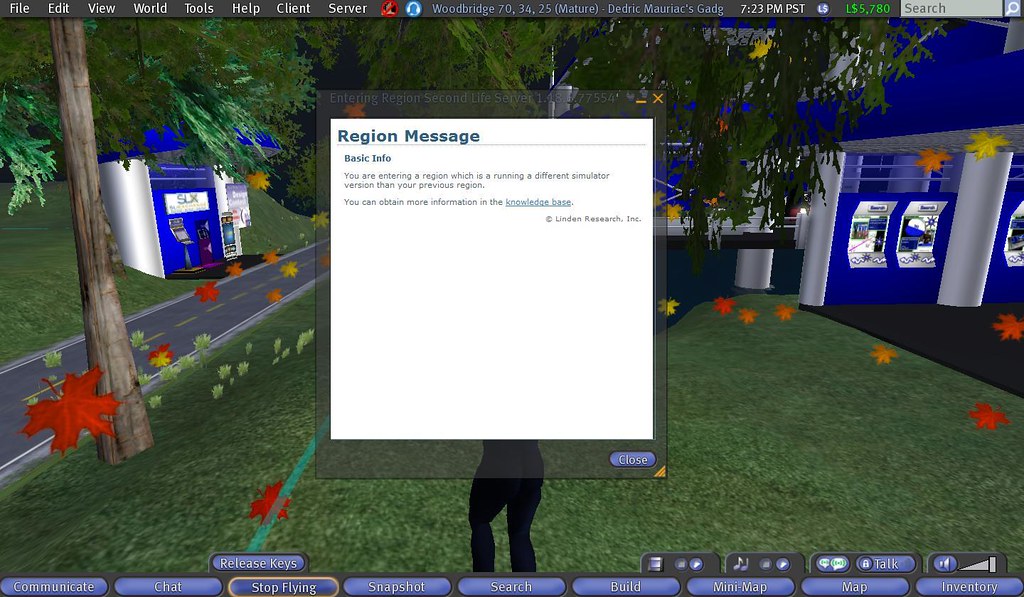
Um ... wow? I was just in a Havok 4 Simulator and teleported back home. The first thing that I saw was a Region Message. This one was not the standard ones in a blue dialog box in the upper right-hand corner. It was an actual window that appeared to be a web page.
Region MessageBasic InfoYou are entering a region which is running a different simulator version than your previous region.
You can obtain more information in the knowledge base.
Interestingly enough, the knowledge base link doesn't work. No additional browser windows opened inside or outside of second life. (bug reporting time).
What amazes me is the possiblity that the owners of the region may get control over this. Many places give you a notecard once you enter the region. The trick is to force everyone to arrive at the same location and detect their physical collision with an invisible object. With a region message like this, there are no detection objects that are needed, and you don't need to restrict people to where they enter the simulator. An added benefit is HTML. Look at the pretty colors, the sizes of the font, the link to a web page, and a horizontal rule. It all looks so much nicer then a notecard.
Posted by Second Life Resident Dedric Mauriac. Visit Woodbridge.
Permalink
Permalink